drone video SEO
Publishing drone video without sacrificing search performance
Video can strengthen a service page when it proves a location, process or result that text alone cannot show. It can also make the page slow, inaccessible and difficult to understand when a large file starts automatically without context. Search performance begins with deciding what the video contributes, then delivering that proof without making every visitor download the full asset.
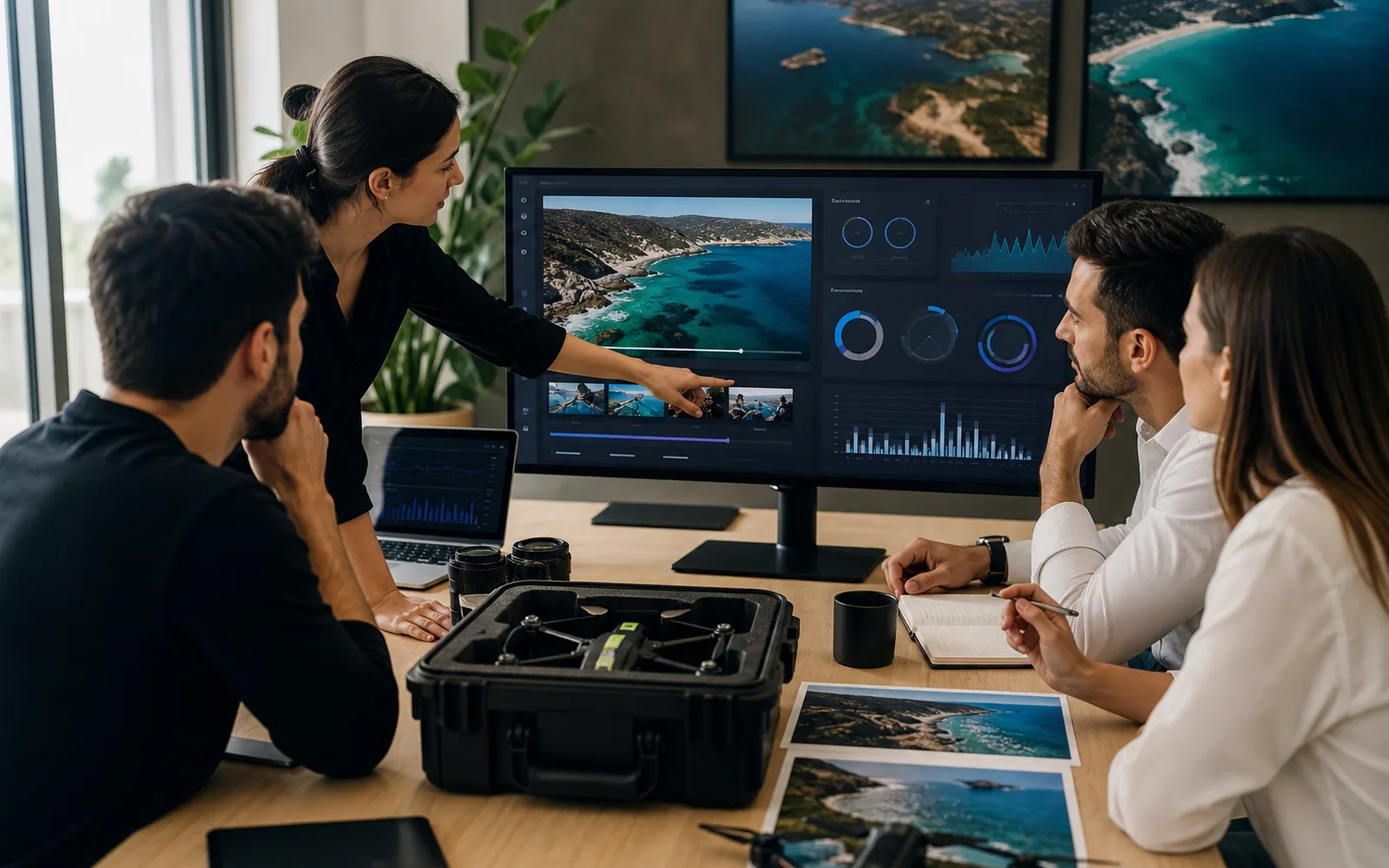
Give the video a clear page purpose
Place the film on the page that answers the same user question. A property route belongs with property details; a sport sequence belongs with the relevant case study. Introduce the asset with a specific heading and a short explanation of what the viewer will see. Search engines and visitors should still understand the page when playback is unavailable.
Load a useful poster before the player
Export a representative WebP or AVIF poster at the displayed dimensions and include descriptive alternative text when the image carries meaning. Avoid loading a multi-megabyte video as the first page resource. A click-to-play dialog, lightweight preview or carefully deferred embed can preserve the visual offer while protecting initial rendering and mobile data.
Support accessibility and discovery
Use visible controls, captions where speech matters and a transcript or written summary for information that is only available in the film. Choose a thumbnail that reflects the actual content. File names, surrounding headings and structured data should describe the production accurately rather than repeating broad keywords. Test keyboard access and playback on a small mobile viewport.
Measure the page, not only the play count
Track whether the asset helps people reach a project, contact link or booking decision. Compare page speed before and after the embed and check whether visitors abandon before the proof appears. A lower play rate is not automatically a failure if the poster and surrounding copy answer the question. The useful metric depends on the page's purpose.
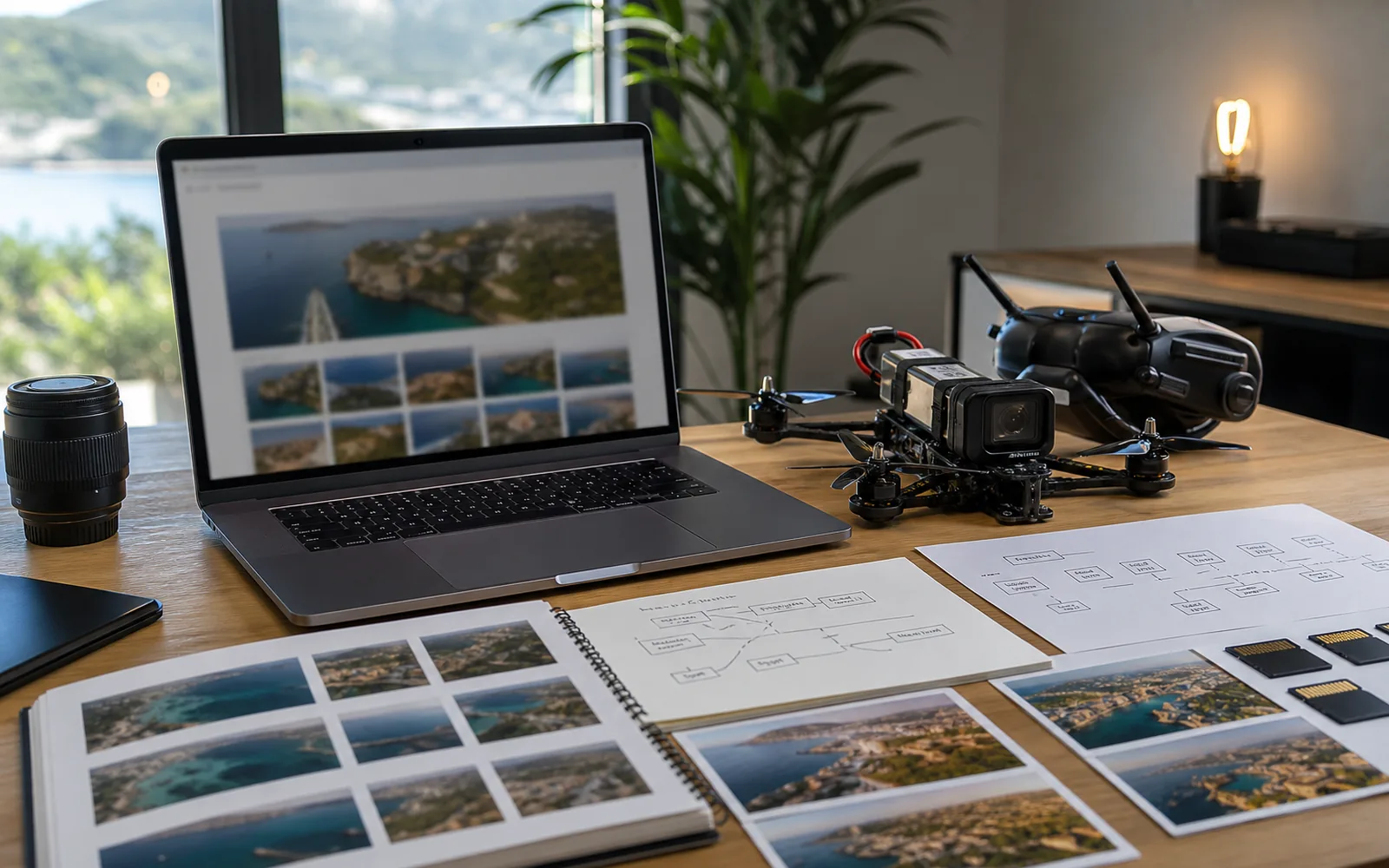
Production checklist
- Match the video to one user question
- Use an optimized representative poster
- Defer the heavy player when possible
- Provide captions or a written summary
- Measure page speed and the next meaningful action
For a concrete example of movement designed around a subject and location, review the concise visual storytelling of Iceland Tour. The pilot profile and equipment overview explains how Olivier approaches route planning and project preparation.
Technical reference: Google Search Central video guidance.